
Satellite Maps FAQ and Resources
Area of Interest (AOI) Tool
Draw a rectangle on the map to define your Area of Interest and capture its coordinates.
How to Select Your AOI
Tip: The drawing toolbar appears at the top-left of the map.
- Pan and zoom the map to your area of interest.
- Click the rectangle icon in the toolbar.
- Click and drag on the map to draw your AOI.
- Use Edit Layers to move or resize the rectangle.
- Coordinates will automatically populate below the map.
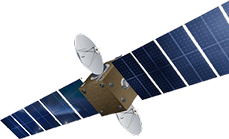
Satellite Sensors
IMAGING Corporation Satellite Sensors
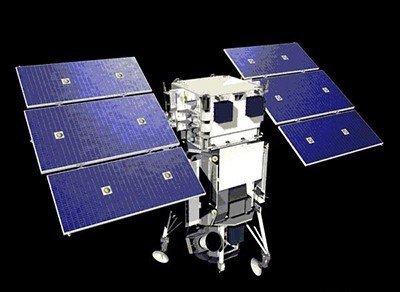
(0.50m)
WorldView-1 satellite sensor was successfully launched from Vandenberg Air Force Base, California, U.S.A., at 11:35 Hrs Pacific Daylight Time (PDT) on September 18th, 2007. Watch video of WorldView-1 satellite launch. The WorldView-1 offers a high-capacity, panchromatic imaging system which features 0.50m resolution imagery.
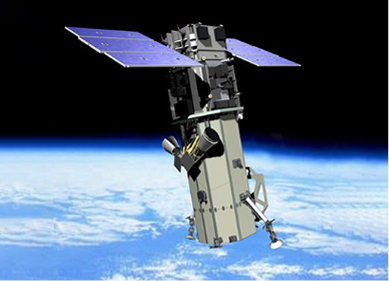
(0.50m)
VANTOR’s WorldView-2 satellite sensor, launched October 8, 2009, provides 0.46m panchromatic (B&W) mono and stereo satellite image data.
The WorldView-2 sensor provides a high-resolution panchromatic band and eight (8) multispectral bands; four (4) standard colors (red, green, blue, and near-infrared 1) and four (4) new bands (coastal, yellow, red edge, and near-infrared 2), full-color images for enhanced spectral analysis, mineral mapping, wildlife monitoring, land-use planning, disaster relief, defense, and climate change.

(30cm)
The WorldView-3 satellite sensor was licensed by the National Oceanic and Atmospheric Administration (NOAA) to collect in addition to the standard panchromatic and multispectral bands, eight-band short-wave infrared (SWIR) and 12 CAVIS imagery. The WorldView-3 satellite was successfully launched on August 13, 2014.
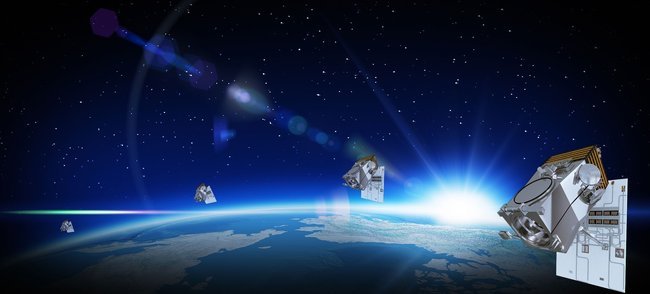
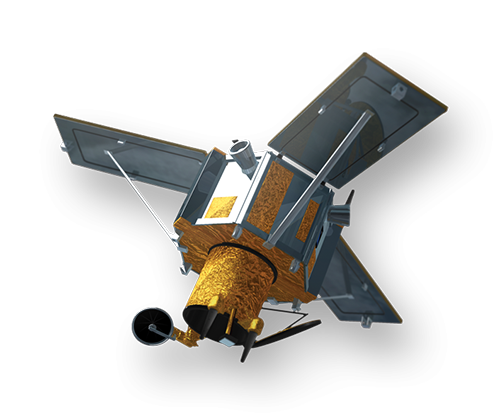
(0.80m) - Decommissioned
The IKONOS satellite sensor was successfully launched as the first commercially available high-resolution satellite sensor on September 24, 1999, at Vandenberg Air Force Base, California, USA. The IKONOS satellite sensor was decommissioned by DigitalGlobe on March 31, 2015.
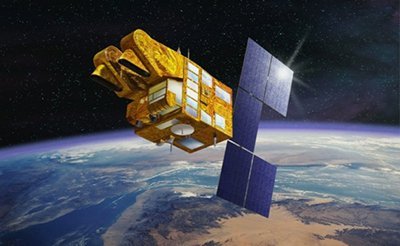
(2.5m/5m) - Decommissioned
The SPOT-5 satellite sensor has been decommissioned as of March 31, 2015. SPOT-5 was successfully placed into orbit by an Ariane 4 from the Guiana Space Centre in Kourou during the night of 3 to 4 May 2002. Archived SPOT-5 Satellite Imagery will remain available.
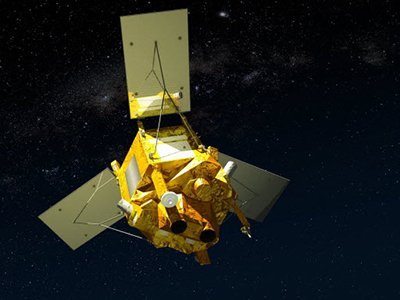
(1.5m)
SPOT-6 satellite sensor built by AIRBUS Defence & Space was successfully launched on September 9, 2012, by a PSLV launcher from the Satish Dhawan Space Center in India. Watch video of SPOT-6 the satellite launch.
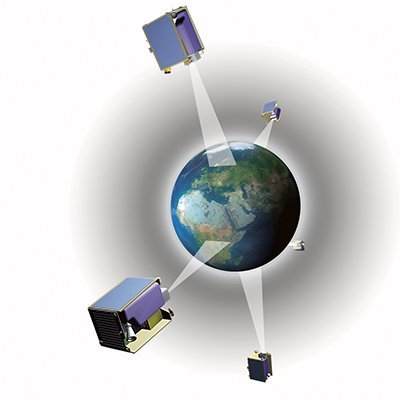
(5m)
The five (5) RapidEye satellite sensors were successfully launched from the DNEPR-1 Rocket on August 29th, 2008, at Baikonur Cosmodrome in Kazakhstan. RapidEye was built by MacDonald Dettwiler, Ltd. (MDA) and will offer customers a data source containing an unrivaled combination of large-area coverage, frequent revisit intervals, high-resolution, and multispectral capabilities.
After 12 years of operation, Planet decommissioned the RapidEye EO satellite constellation in April 2020.
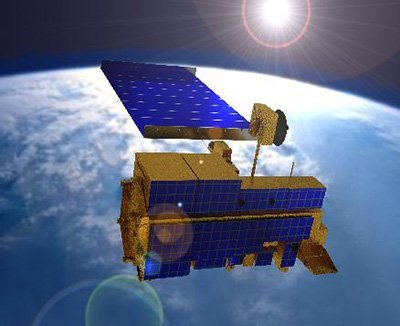
(15m)
ASTER satellite sensor is one of the five state-of-the-art instrument sensor systems on-board the Terra satellite that was launched on December 18, 1999, at Vandenberg Air Force Base, California, USA.
ASTER is a 15-meter, 14 band multispectral resolution instrument. It can be used for land cover and change detection, calibration, validation, and land surface studies.
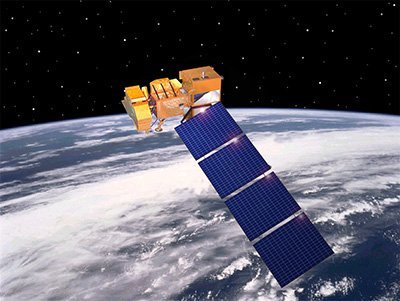
(15m)
The Landsat 7 ETM+ satellite sensor was successfully launched from the Vandenburg Air Force Base on April 15, 1999. Landsat 7 satellite is equipped with Enhanced Thematic Mapper Plus (ETM+), the successor of TM. The observation bands are essentially the same seven bands as TM, and the newly added panchromatic band 8, with a high resolution of 15-meters was added. An instrument malfunction occurred on May 31, 2003, with the result that all Landsat 7 scenes acquired since July 14, 2003, have been collected in “SLC-off” mode.
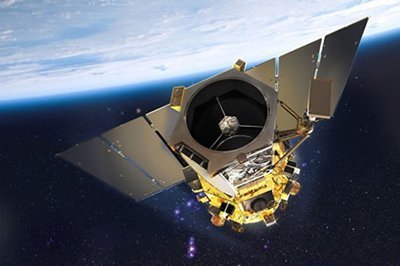
(0.5m)
The GeoEye-1 satellite sensor was successfully launched on September 6, 2008. The satellite, which was launched at Vanderberg Air Force Base, California, provides a resolution of 0.46-meters. Watch a video of GeoEye-1 satellite launch. GeoEye-1 is capable of acquiring image data at 0.50-meter panchromatic (B&W) and 1.84-meter multispectral resolution. It also features a revisit time of fewer than three days, as well as the ability to locate an object within just three meters of its physical location.
Ready to get started?
Contact us for a custom imagery solution or request a quote
TESTIMONIALS
Stories & Experiences
Lorem ipsum dolor sit amet, consectetur adipiscing elit, sed do eiusmod tempor incididunt ut labore et dolore magna aliqua. Ut enim ad minim veniam, quis nostrud exercitation. .

Sarah Jones
Lorem ipsum dolor sit amet, consectetur adipiscing elit, sed do eiusmod tempor incididunt ut labore et dolore magna aliqua.

George Tarburton Jr.
Lorem ipsum dolor sit amet, consectetur adipiscing elit, sed do eiusmod tempor incididunt ut labore et dolore magna aliqua. Lorem ipsum dolor sit am

Jason Boothe
Lorem ipsum dolor sit amet, consectetur adipiscing elit, sed do eiusmod tempor incididunt ut labore et dolore magna aliqua.